Upgrading OPNsense to version 26
I was starting to lag behind on upgrades on my OPNsense box, which was running version 25.7 well past the release date of 26.1. Last weekend I grabbed the opportunity and upgraded the install. The process was fairly smooth thanks to snapshots, git backups, and an easy upgrade path provided by the OPNsense maintainers.
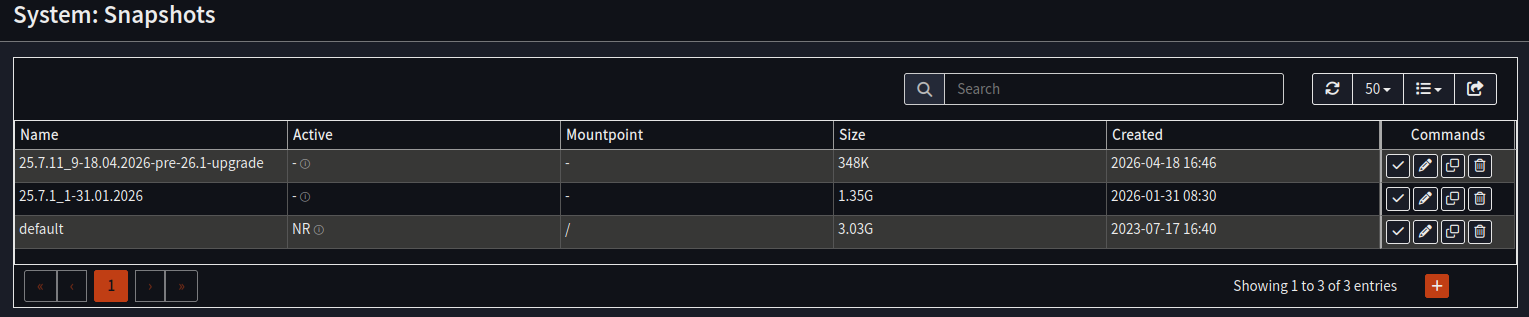
I took a snapshot before the upgrade:
I already had an offsite config backup in git from the day before so I didn’t make a new one.
When doing major upgrades I use a serial connection to the OPNsense box in the event of an unstable SSH connection. I used minicom with my USB-to-serial adapter and it worked without any issues:
minicom --device /dev/ttyUSB0
...
  0) Logout                              7) Ping host
  1) Assign interfaces                   8) Shell
  2) Set interface IP address            9) pfTop
  3) Reset the root password            10) Firewall log
  4) Reset to factory defaults          11) Reload all services
  5) Power off system                   12) Update from console
  6) Reboot system                      13) Restore a backup

Enter an option: 12

Fetching change log information, please wait... done

This will automatically fetch all available updates and apply them.

A major firmware upgrade is available for this installation: 26.1

Make sure you have read the release notes and migration guide before
attempting this upgrade.  Approx. 1000MB will need to be downloaded and
require 2000MB of free space to unpack.  Continue with this major upgrade
by typing the major upgrade version number displayed above.

Minor updates may be available, answer 'y' to run them instead.

Proceed with this action? [26.1/y/N]: 26.1
...
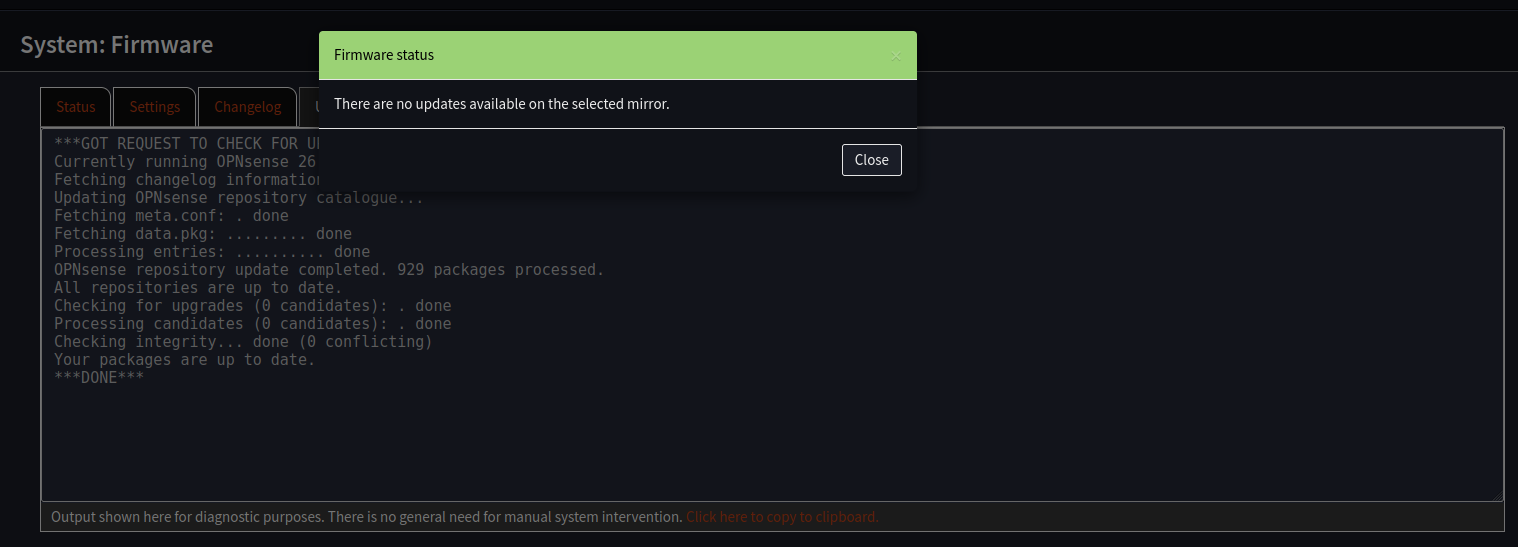
I repeated the process until the box was upgraded to the latest available version (26.1.6 in my case):
Once the upgrade process was complete I performed a migration of all the firewall rules to the new implementation. I used these resources in addition to the migration assistant:
The end result:
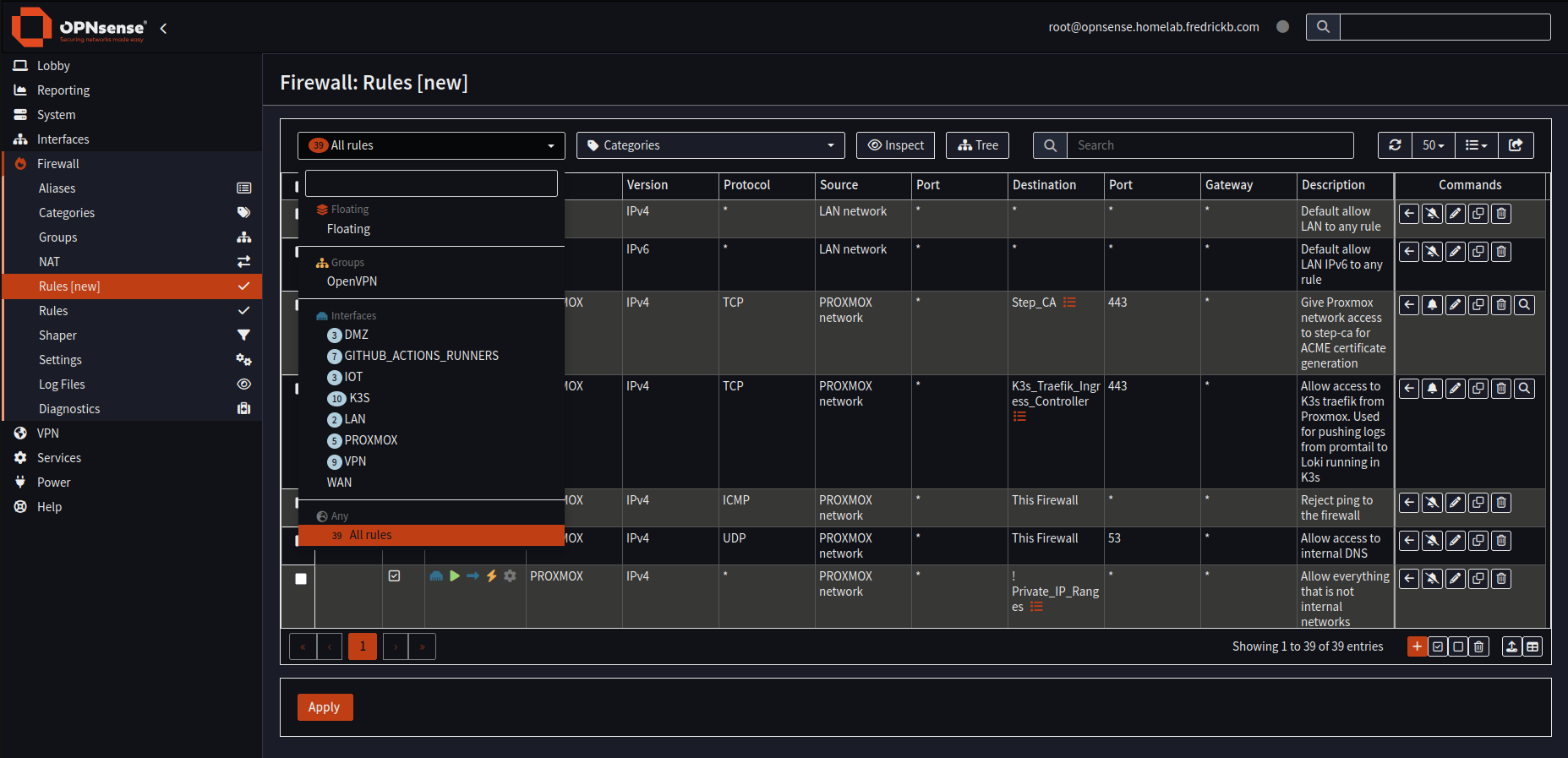
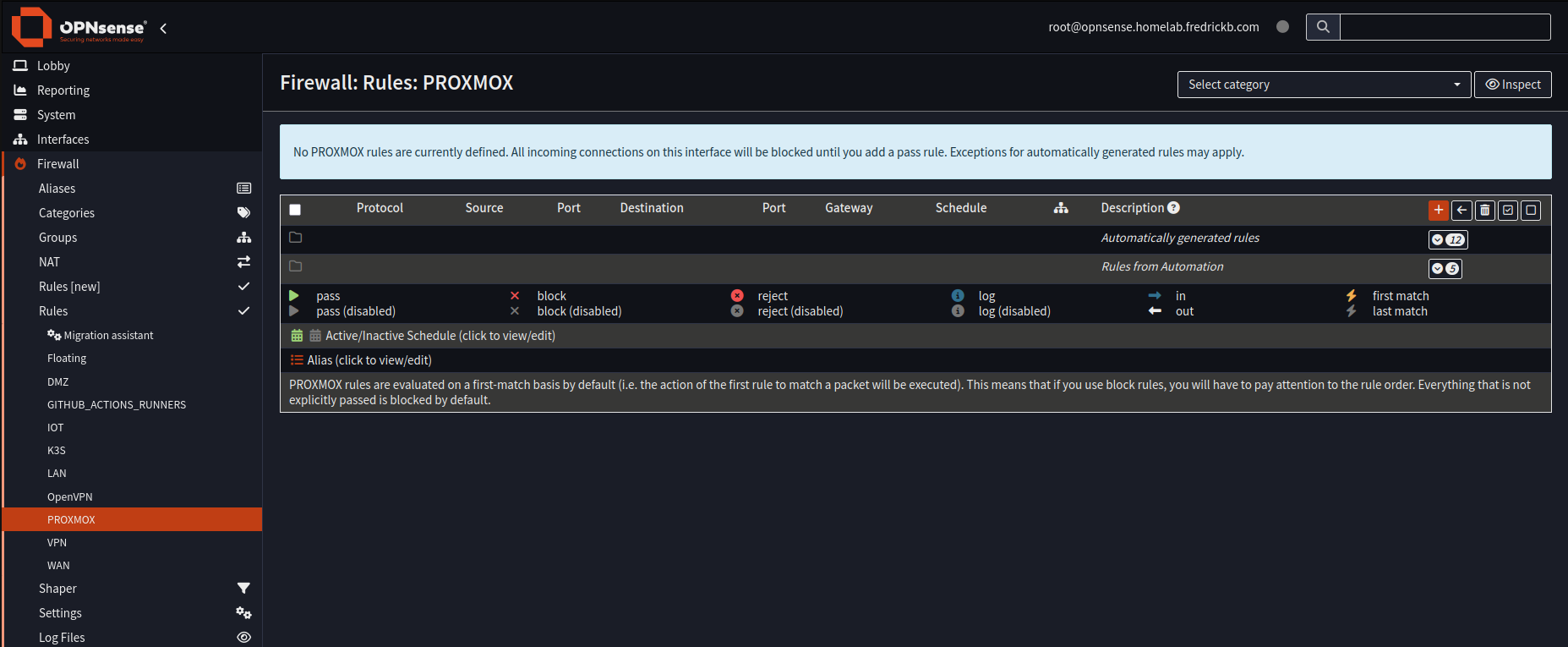
I did a round of testing to verify that the rules were still working as intended and concluded the migration process.
OPNsense is one of the items in the homelab that’s just rock-solid when it comes to upgrades and maintenance.